
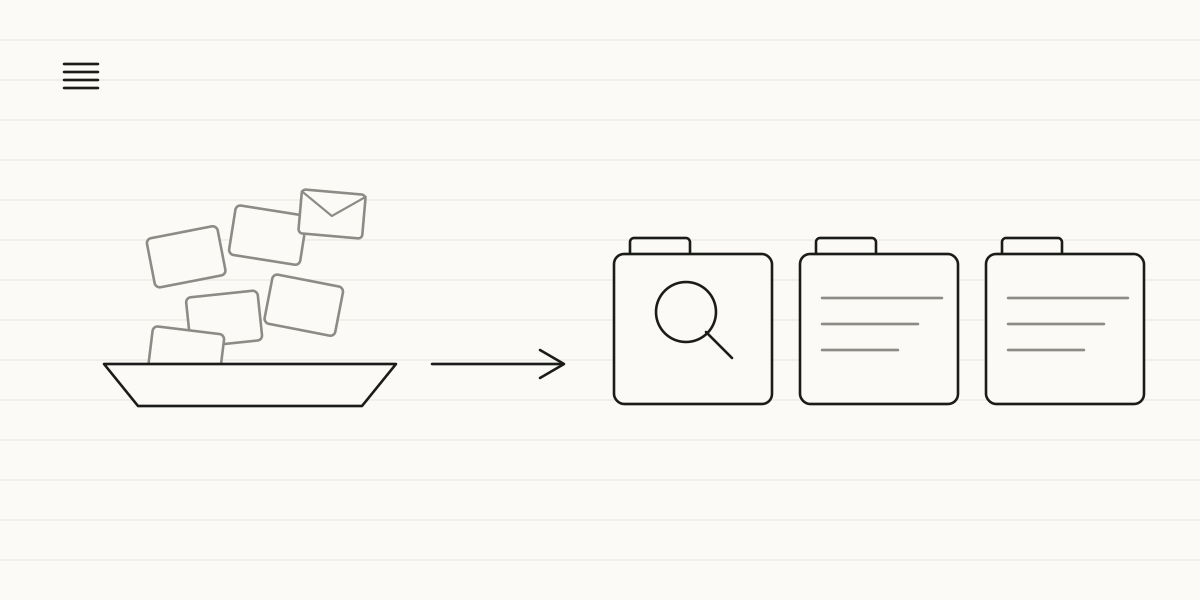
Split your files into three piles: what you need to find in seconds (invoices, contracts), the correspondence that tells the story of each customer relationship, and the paper you still haven't scanned. Sort them under one consistent system before you connect anything to AI: if your files are a mess, AI will search through that same mess.
Why this matters now that AI can get into your inbox
Until recently, tidying up your files was routine housekeeping you could put off with no real penalty: if a contract took ten minutes to turn up, you were the only one who paid for it. That changed this summer. On 21 July 2026, OpenAI launched the ChatGPT for small business program, built around an agent — ChatGPT Work — that connects directly to a business's files and tools, with partners including Dropbox, Shopify, Intuit, Slack, Atlassian and Wix. In mid-August 2026, Meta announced that Meta AI can connect — if the business turns that integration on — to Gmail, Docs, Sheets and Slides in Google Workspace, as well as Instagram, Facebook and Meta Ads, to work with the business's real data inside the same conversation.
Two announcements from two different companies, less than a month apart, pointing at the same thing: AI no longer waits for you to upload a stray document. It goes straight into your inbox and your Drive, exactly as they are today. And that "exactly as they are today" is the part that should worry you: if your inbox has three folders called "misc", "misc 2" and "to sort later", an AI connected to that inbox won't give you a better answer than someone would on their first day on the job. It will search through the same chaos and, with luck, find what you would have found anyway — just faster.
The real problem isn't a lack of digital tools
Almost no SMB starts from zero. What's rare is a business that doesn't already have years of emails, scanned PDFs and folders scattered across several computers. The problem isn't a lack of digitisation: it's having everything, with no single system tying it together. A file called "scan_0047.pdf" sitting on the desktop of someone who left the company two years ago. Three folders — "Contracts", "Contracts_old" and "Contracts (2)" — each with different documents in it. The lease for your premises, buried in an attachment from a 2019 email that only turns up if you search for the exact subject line it arrived with. None of this is a technical problem: it's that nobody ever decided on one place and one naming system for things.
This isn't the same as tidying up a spreadsheet to make a business decision — that's what we cover in from scattered spreadsheets to clear decisions. Here the goal is more modest, and at the same time more urgent: it's not about analysing anything, it's about being able to find a document that already exists, without relying on one specific person's memory.
The three types of documents, and why they don't belong in the same pile
Not everything you've got stored needs the same treatment. Before you touch anything, it's worth splitting what you have into three groups, because each one gets sorted under a different logic — and mixing them up is the quickest way for the project to stall.
Invoices and contracts: what you need to find without a second thought
These are the documents someone will ask you for out of nowhere: your accounting firm, a supplier, a customer chasing something from a while back. There's no room for a loose system here: they go in a single cloud folder, organised by year and by customer or supplier, with the file name carrying the date and the other party's name. You'll almost always search for "the contract with X" or "the invoice from that month", so the file name matters more than which folder it's sitting in.
Correspondence: the record of your relationship with each customer
Here the logic flips completely. You're not searching for an email by date: you're searching for "everything that's happened with this customer". That's why correspondence sorts better when it's tied to each customer's record than to the inbox of whoever happened to answer that time. We go into it in depth in corporate amnesia: why your customers keep repeating themselves, and it's also what an AI chatbot needs to answer 90% of inquiries: the real history, not a folder of loose emails.
Plain paper: what you still haven't scanned
This is the part everyone dreads, which is why it always gets pushed back. The answer isn't scanning everything in one long afternoon, or hiring someone to do it all at once: it's identifying where that paper actually is — a box, a drawer, a filing cabinet by year — and scanning it in batches, starting with whatever you ask for most often. What nobody's touched in months can wait at no real cost; what you look up every few weeks is what should go digital first.
What changes once your files are in order
The change isn't abstract — it's measured in minutes. Before: someone asks for the contract you signed with a supplier three years ago, and the answer starts with "so-and-so used to handle that, let me think where they filed it". After: you search by the supplier's name and the file turns up in seconds, whoever happens to be in the office that morning. You don't need any AI to notice the difference; AI just stops tripping over the same problem a person would.
Where to start this week
Don't sort everything at once: pick one starting point and finish it before opening the next front. The one with the best payoff is usually the folder of active contracts and invoices, because it's the one you check most and has the smallest volume. Once that's done, move on to the correspondence for the customers you work with today — the ones who've already left can wait — and leave the accumulated paper for last, in batches. And if you also need that archive to talk to your invoicing software or your CRM without switching tools, that's a job for a custom-built tool built on top of what you already use, not a new system to learn.
That's how we work at Zen Praxis: a free 30-minute call to see how your business's files are organised today, a proposal with fixed timelines and budget to sort and connect them without migrating more than necessary, and implementation on top of the tools you already use, with support so your team adopts the new system without friction. The first solution can be up and running in weeks, with the potential to free up to 35 hours a month per person and the aim of recovering the investment in under six months.
How long would it take you today to find the contract you signed three years ago? If the answer is "it depends who's around that week", book a free 30-minute call and we'll tell you where to start — no jargon, no strings attached.